Meeting Manager App
Is Your Organization Getting the Most Out of Events?
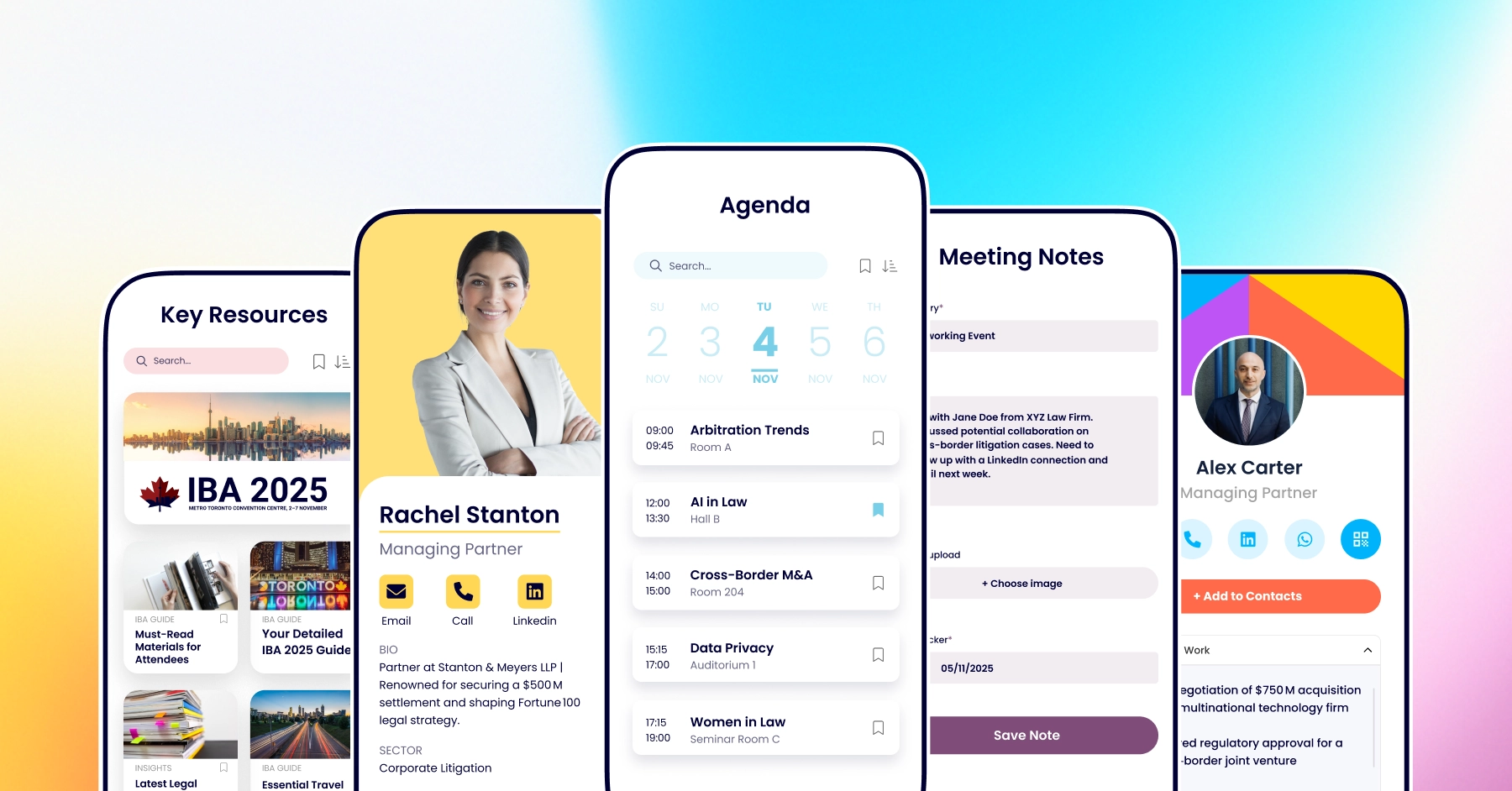
The Meeting Manager App simplifies scheduling and note-taking, reducing administration to improve ROI tracking for business development trips and conferences.
Meeting Manager App
Is Your Organization Getting the Most Out of Events?
The Meeting Manager App simplifies scheduling and note-taking, reducing administration to improve ROI tracking for business development trips and conferences.
Trusted by teams at

















Key Features
Everything your team needs to stay organized during major conferences
From managing packed schedules to capturing client discussions, these features help your representatives stay prepared, responsive, and connected throughout every day of the event—ensuring no meeting, detail, or opportunity is missed.
MEETINGS
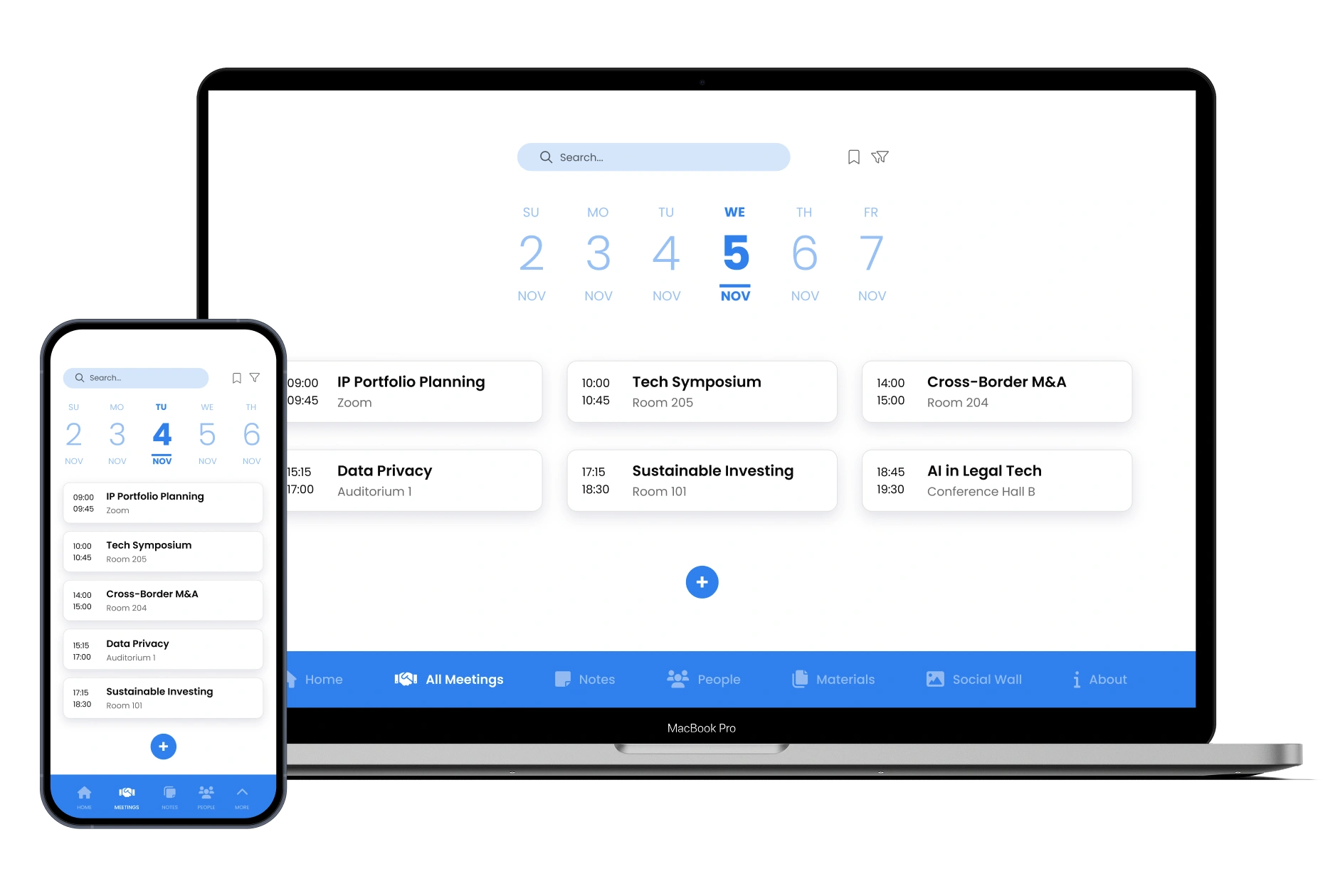
Stay in control of your schedule and never miss a meeting
View your complete meeting schedule in a clear calendar format. See all your appointments at a glance, with times, locations, and attendee details. Access your schedule from any device, so you're always prepared and never miss an important meeting during busy conferences and business trips.
MEETING DETAILED VIEW
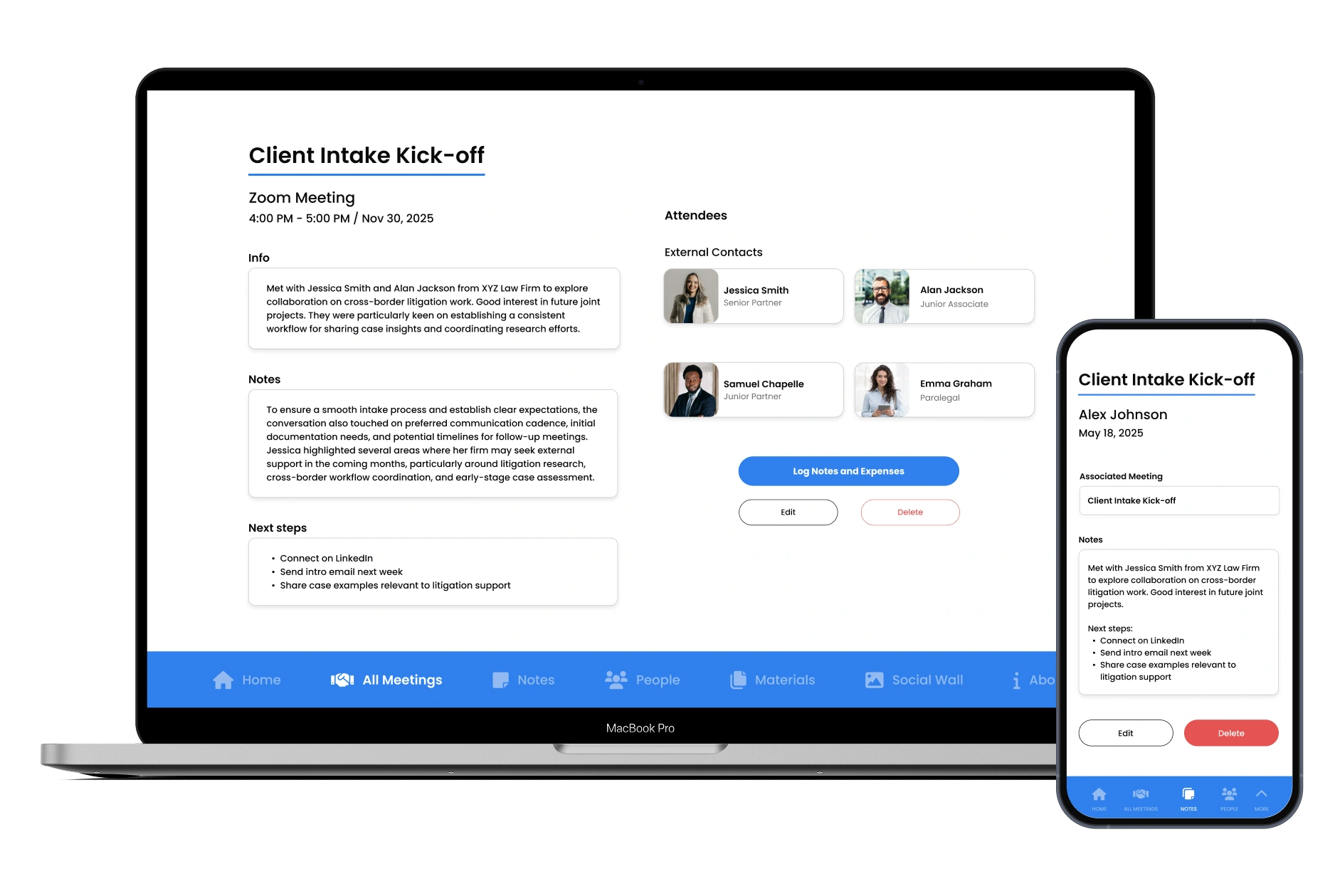
Arrive prepared and confident for every discussion
Access attendee details, past notes, and follow-up actions before each session. With the full context in hand, representatives can step into every conversation informed, focused, and ready to make an impact.
MEETING NOTES & EXPENSES
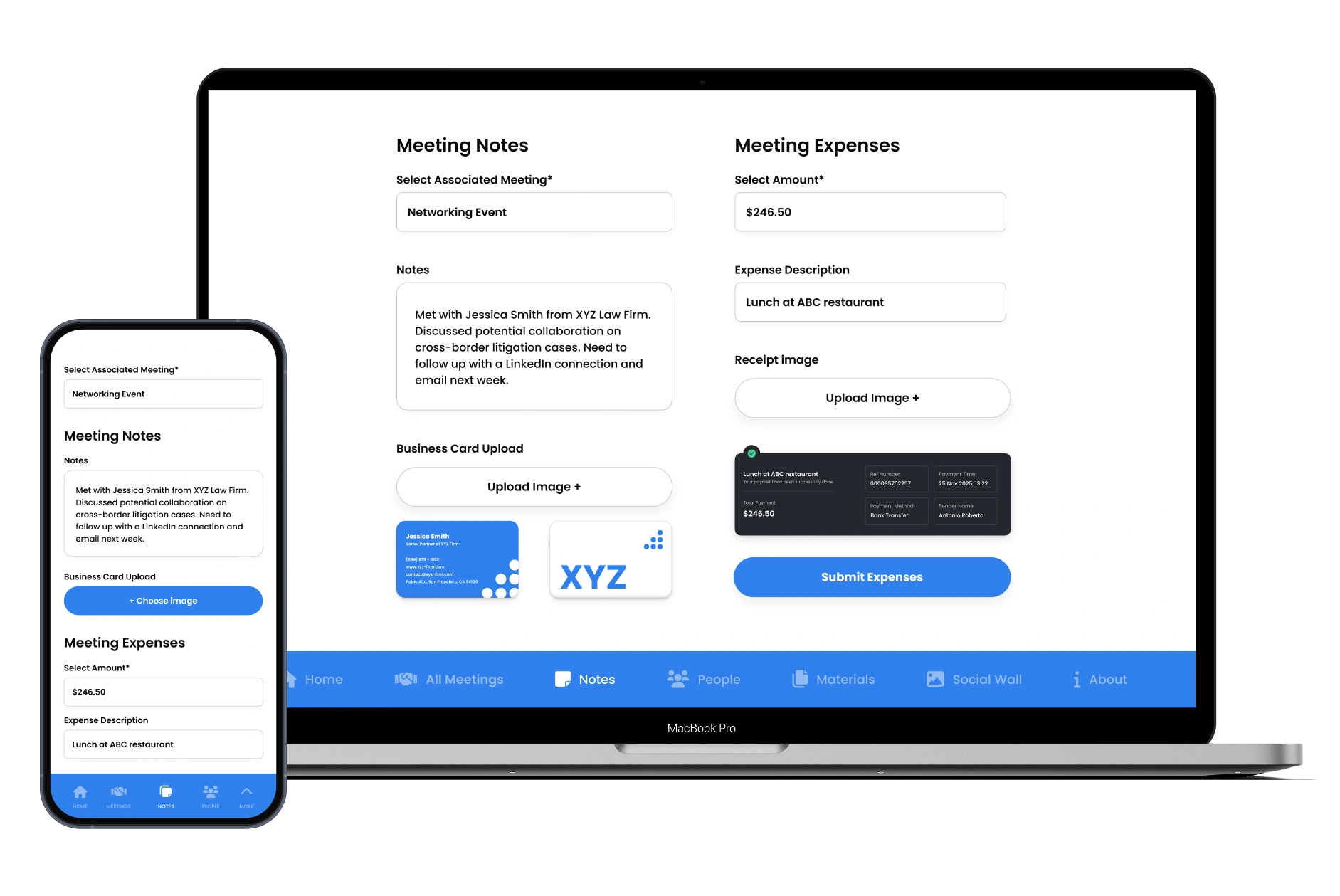
Capture key discussions while they're fresh
Record outcomes and next steps straight after each meeting. Upload business cards, add expenses, and store everything in one place. Your team leaves each day with accurate, usable information instead of scattered notes and forgotten details.
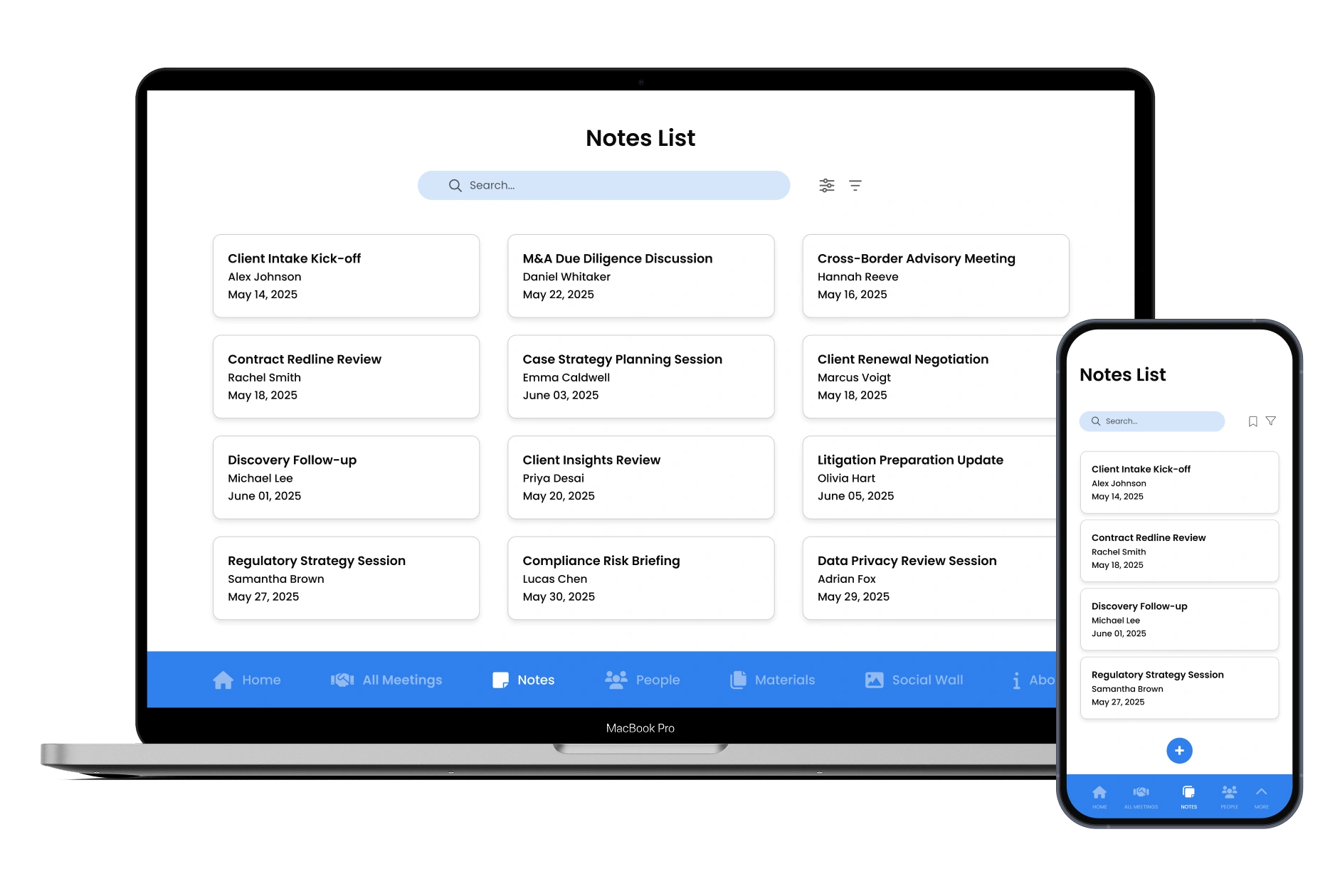
NOTES LIST
Keep visibility over every client conversation
When multiple representatives attend the same event, information can get lost. A shared notes list gives the representative and BD team a complete view of meetings notes taken—ensuring client conversations can be easily recorded and referred to in the future.
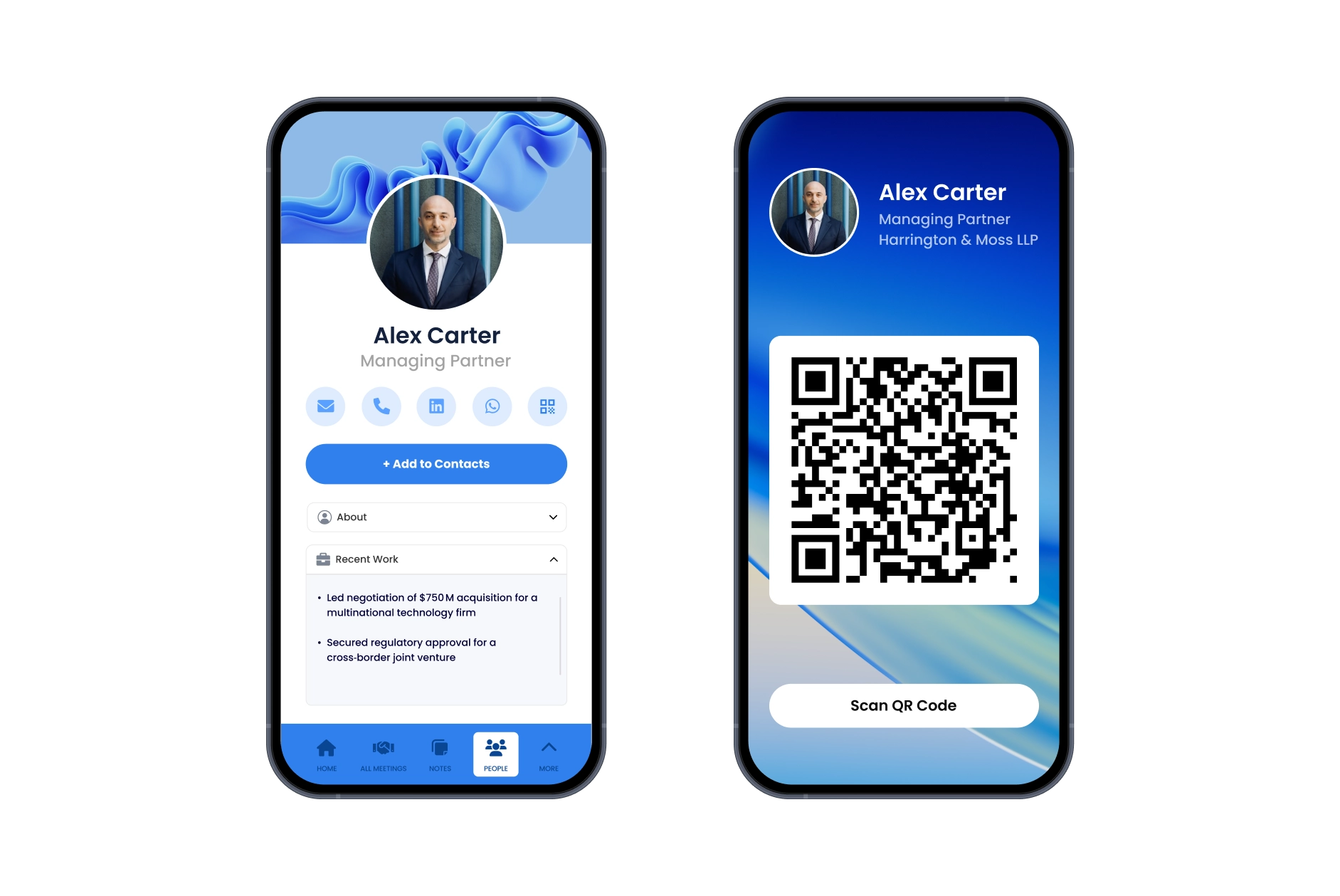
DIGITAL BUSINESS CARD
Exchange contact details instantly and professionally
Share your contact details in seconds with a branded digital card that saves directly to a contact's phone. It looks professional, prevents lost cards, and ensures every new connection has the relevant contact details immediately.
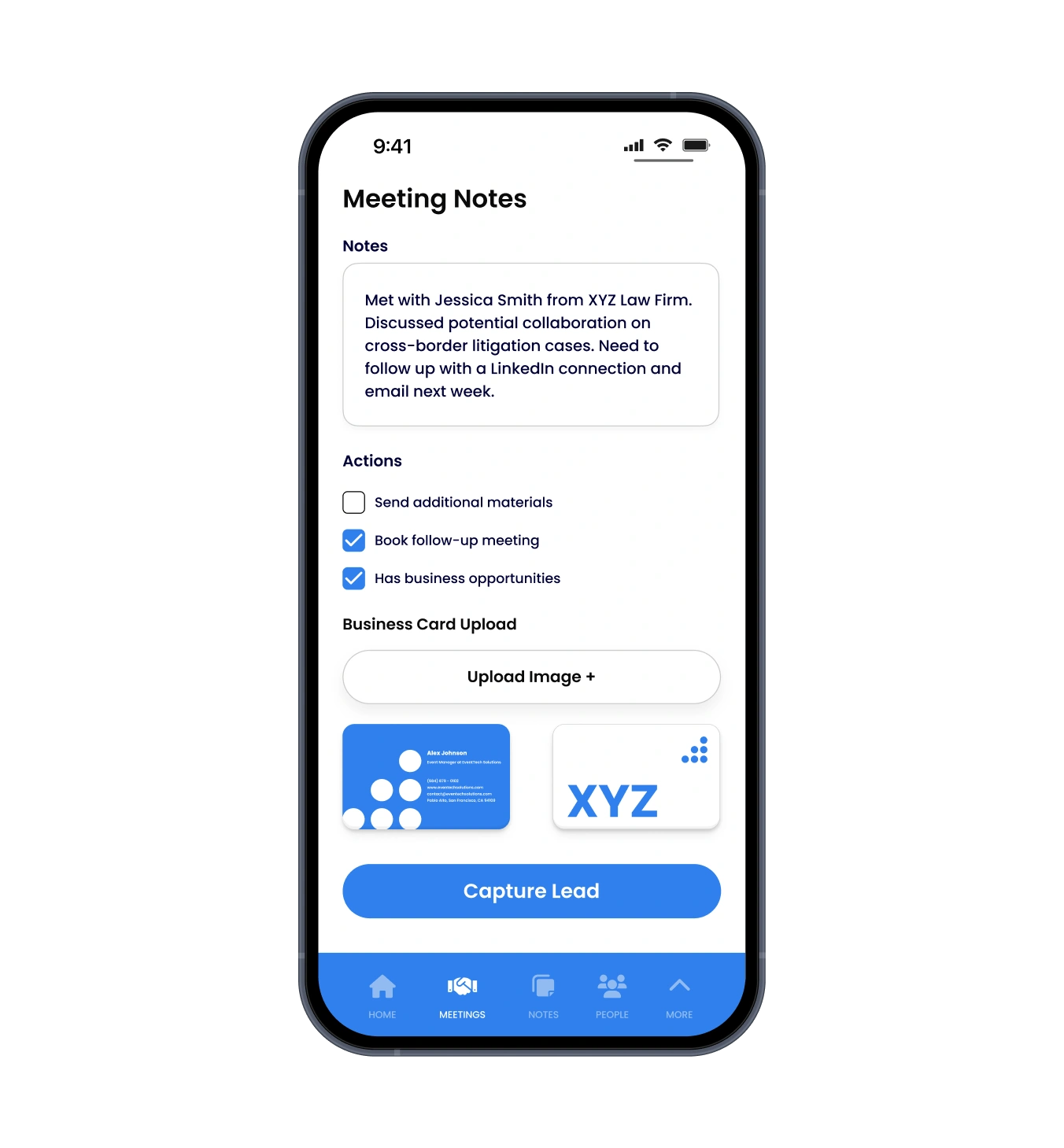
QUICK CONTACT CAPTURE
Capture new contacts instantly during meetings
Quickly capture contact information from new connections on the spot. Scan business cards, input details manually, or use QR codes to save contacts directly to your directory-ensuring no valuable connection is lost or forgotten.
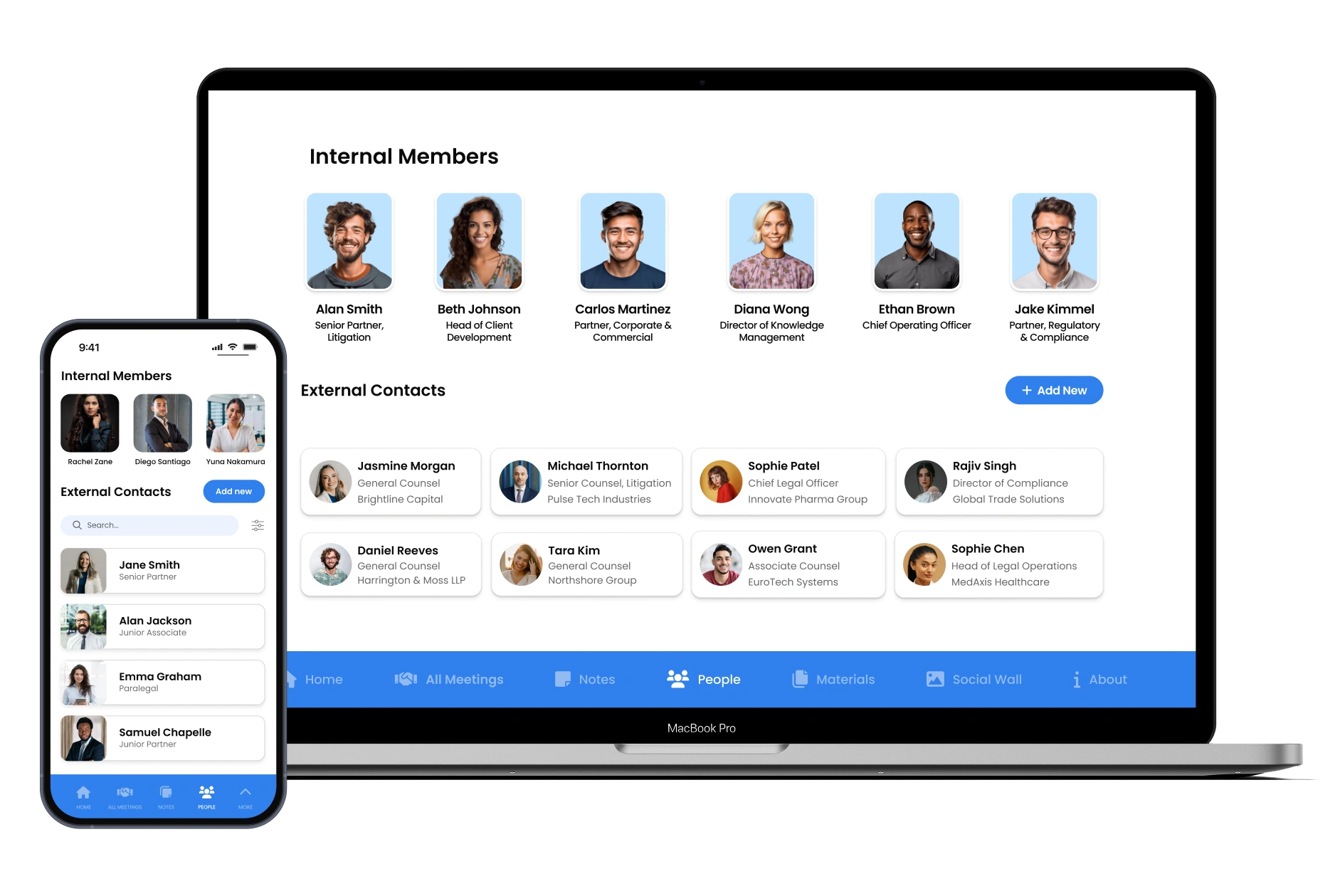
PEOPLE DIRECTORY
Find key contacts and plan valuable introductions
Search and connect with attendees and contacts. Find key contacts and plan valuable introductions to maximize networking opportunities at conferences and business trips.
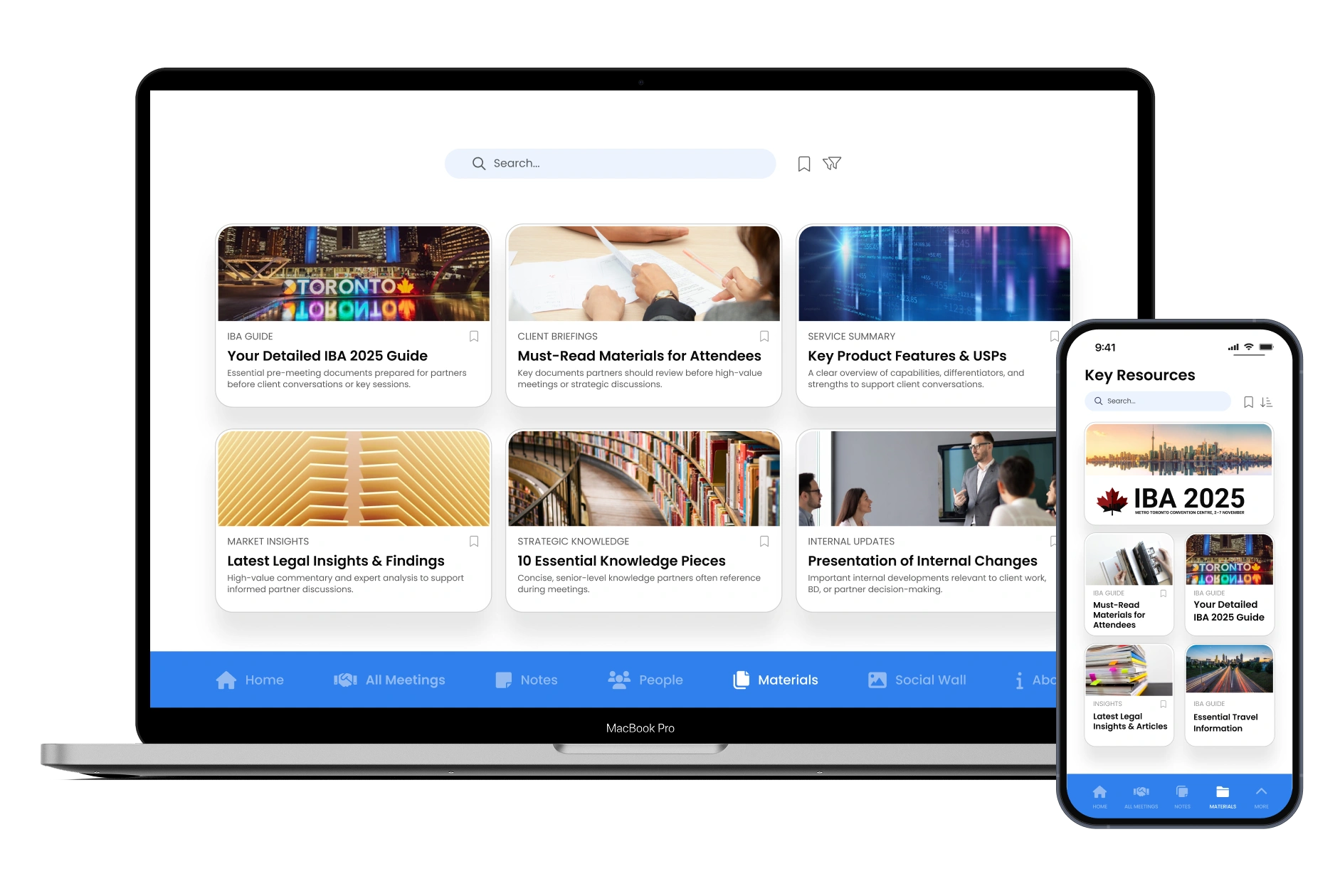
KEY RESOURCES
Access the right materials at the right moment
Keep approved brochures, presentations, and talking points one tap away—even offline. Representatives can share accurate, consistent information during meetings, helping your firm present a polished, unified message to every client.
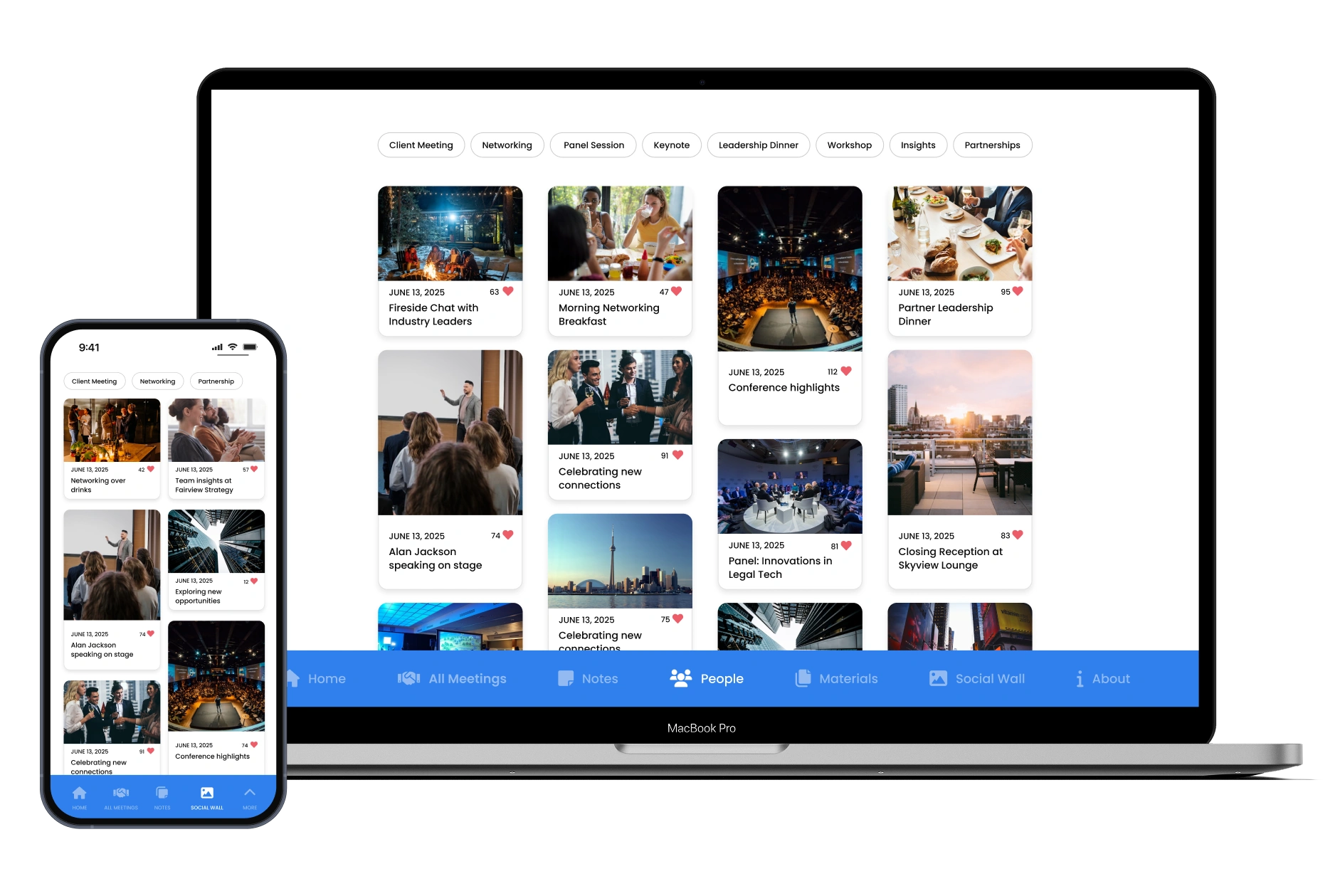
SOCIAL WALL
Keep your team connected across the conference
Large events can scatter your representatives across multiple venues. The social wall brings everyone together with live updates, highlights, and announcements—helping your team stay informed, motivated, and aligned.
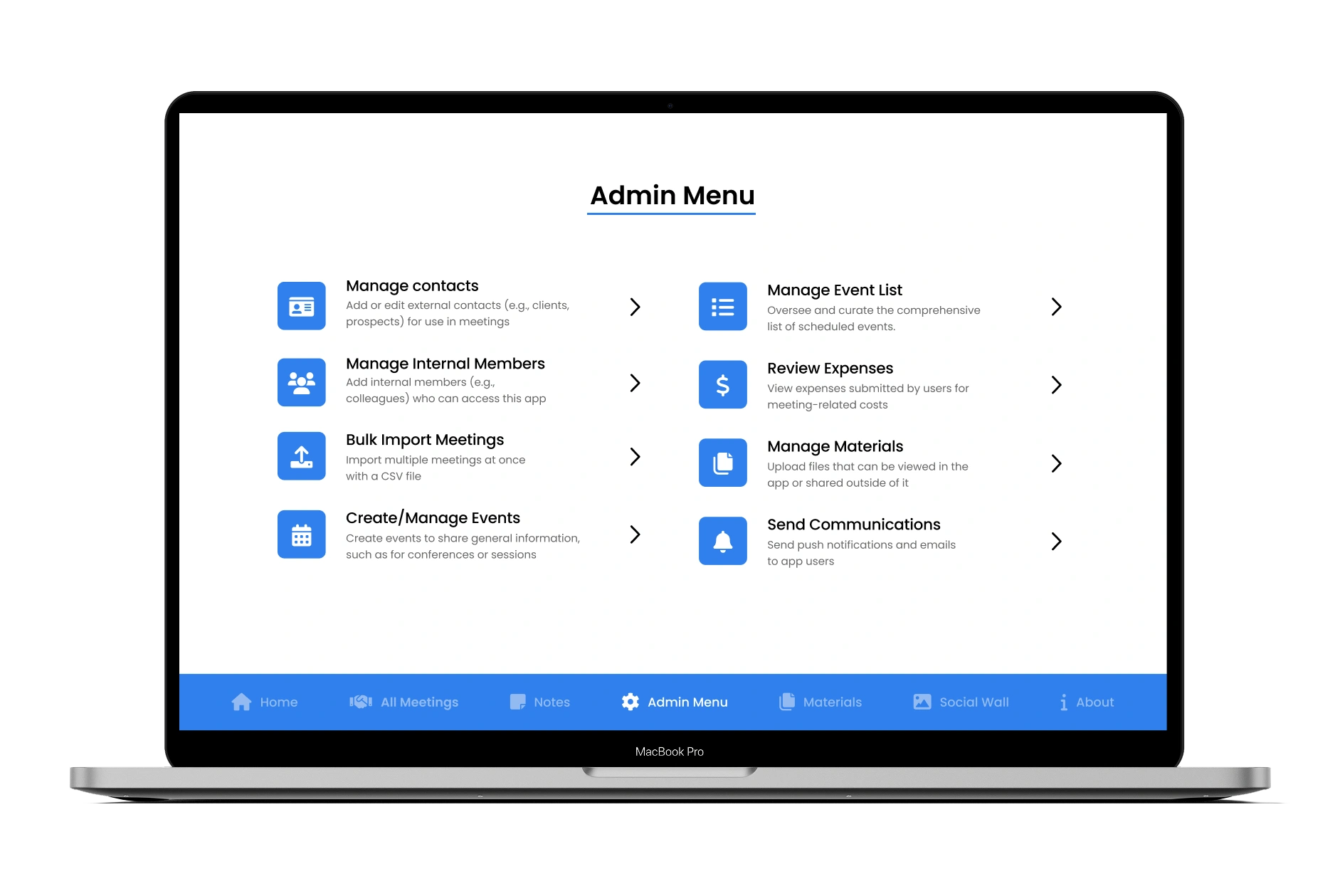
ADMIN MENU
Update schedules and materials as the event evolves
Plans change quickly at busy conferences. Admins can send notifications, add new meetings, upload resources, or edit attendee details in real time. Representatives receive updates immediately, keeping information accurate and your team fully coordinated.
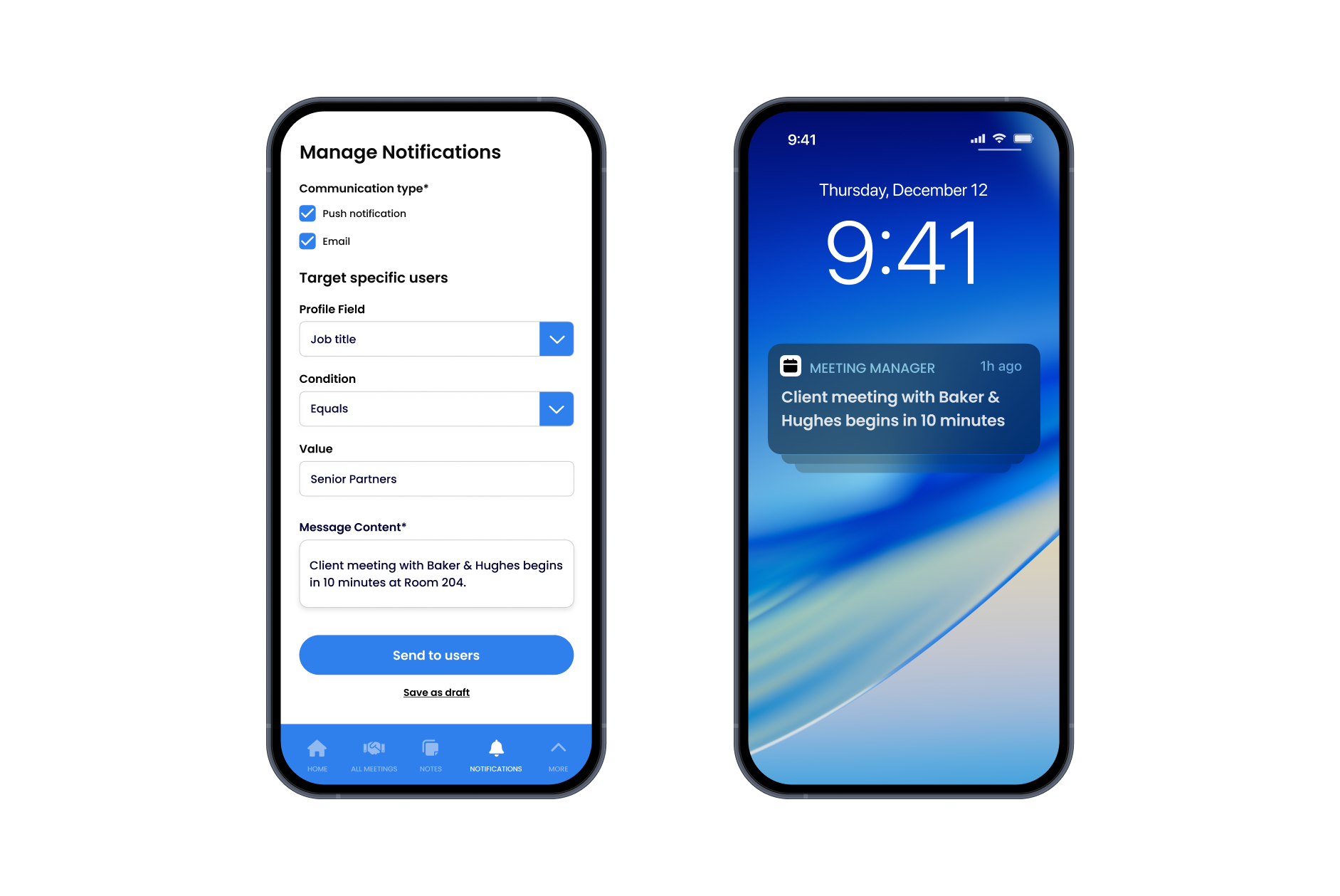
NOTIFICATIONS
Keep everyone informed in real time
Send notifications or messages straight to representatives' devices. Whether it's a room change, a new client opportunity, or an important reminder, updates reach the right people instantly—ensuring your representatives never miss a moment.
Benefits for Organization Representatives
Busy Professionals on the Move
The Meeting Manager App ensures you have access to your personal agenda, a full view of the firm's meeting schedule, and effortless note-taking to stay organized throughout every conference or business trip (including INTA, MIPIM and IBA).
- Secure login with a personalized agenda
- Complete firm schedule with detailed meeting briefs
- Effortless note-taking—including photo capture and expense tracking
- Digital business card sharing for quick contact exchange
- AI-generated summaries highlighting key discussion topics (Coming Soon)


Benefits for Business Development & Marketing
Efficient Conference & Business Trip Coordination
The Meeting Manager App consolidates key event details and pitch materials, ensuring timely updates and precise coordination to support impactful meetings and effective follow-up strategies.
- Real-time notifications for instant meeting updates
- Reliable syncing with CRM and Outlook shared calendars
- Detailed meeting briefs and pitch documents for presentations and meetings
- Reporting for measuring ROI and tracking follow-up actions
Award Winner
How Fox Williams Supports Partners during Business Development and Conference Trips
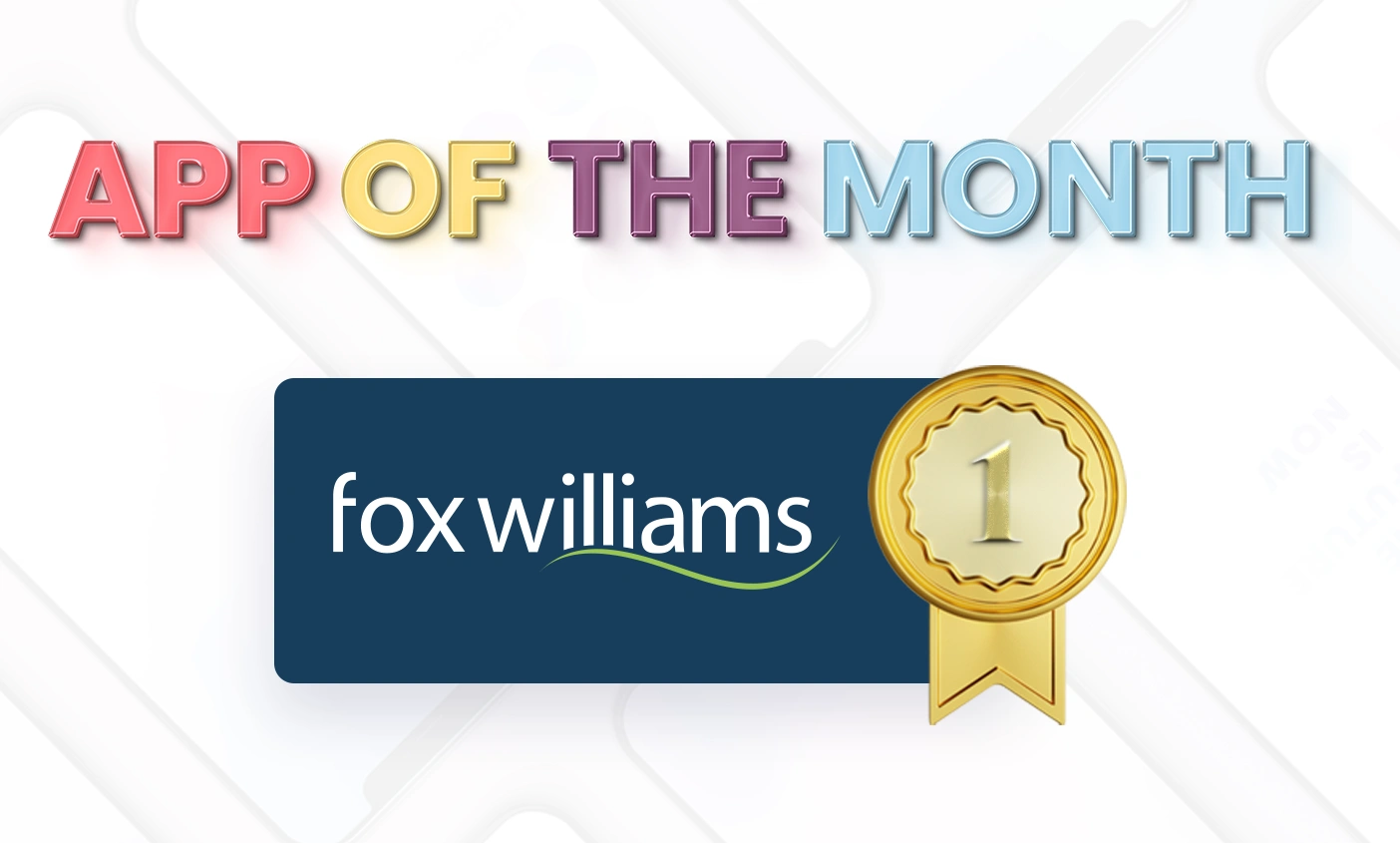
Victoria Allen, Management Executive at Fox Williams, achieved outstanding results with their IBA app for International Bar Association Annual Conference in 2024.
Building on that success, Victoria has now created an internal Partners App that recently won Fliplet's App of the Month award.
Their Meeting Manager App will now serve as the base format for all future large Business Development and Conference trips for the firm.

Customer Stories
Trusted by organizations with the highest standards
From global law firms to healthcare leaders, see how teams use Fliplet Events to deliver branded experiences that meet their unique requirements.

"We can set up pages and apps, which you can deploy anywhere within the space of minutes and hours."
"One of the key features in our partners conference app is the notes section - having all of the partners' key takeways from sessions in one place has been great."

"A member of our marketing staff last year built out a mobile app for our attorneys' firm retreat. She was able to do that with very little involvement from IT."

"You can go very quickly from the prototype to the MVP and then to the live product."

"Overall we've been pleasantly surprised by how little time it's taken to keep maintaining the app once it's been up and launched."

RECOGNIZED BY INDUSTRY LEADERS FOR EXCELLENCE



Frequently asked questions
How quickly can we set up the Meeting Manager App?
Most teams launch their Meeting Manager App within days using our guided setup and pre-built modules, with full configuration support available.
Can we sync with our CRM and Outlook calendars?
Yes, the Meeting Manager App offers reliable syncing with CRM and Outlook shared calendars to keep schedules up to date.
How does expense tracking work?
Representatives can add expenses directly after each meeting, upload business cards, and store everything in one place for easy reporting.
Can multiple representatives share meeting notes?
Yes, a shared notes list gives representatives and the BD team a complete view of all meeting notes taken, ensuring client conversations are easily recorded and referred to.
What about offline access?
Key resources, schedules, and meeting details are available offline so representatives can access information even without signal.
How do we track ROI from conferences and business trips?
Detailed reporting helps measure ROI and track follow-up actions, giving you clear insights into the value of each event.
Transform the Way You Manage Meetings

Transform the Way You Manage Meetings